Everything you need to debug your network
Four feature areas built on one idea: see every packet — even from Flutter apps — then change it with rules, scripts and requests.
See the traffic others can’t
Hodor captures traffic below the system proxy, so apps that bypass proxy settings — Flutter apps, for example — are still fully visible.
All four protocols, captured
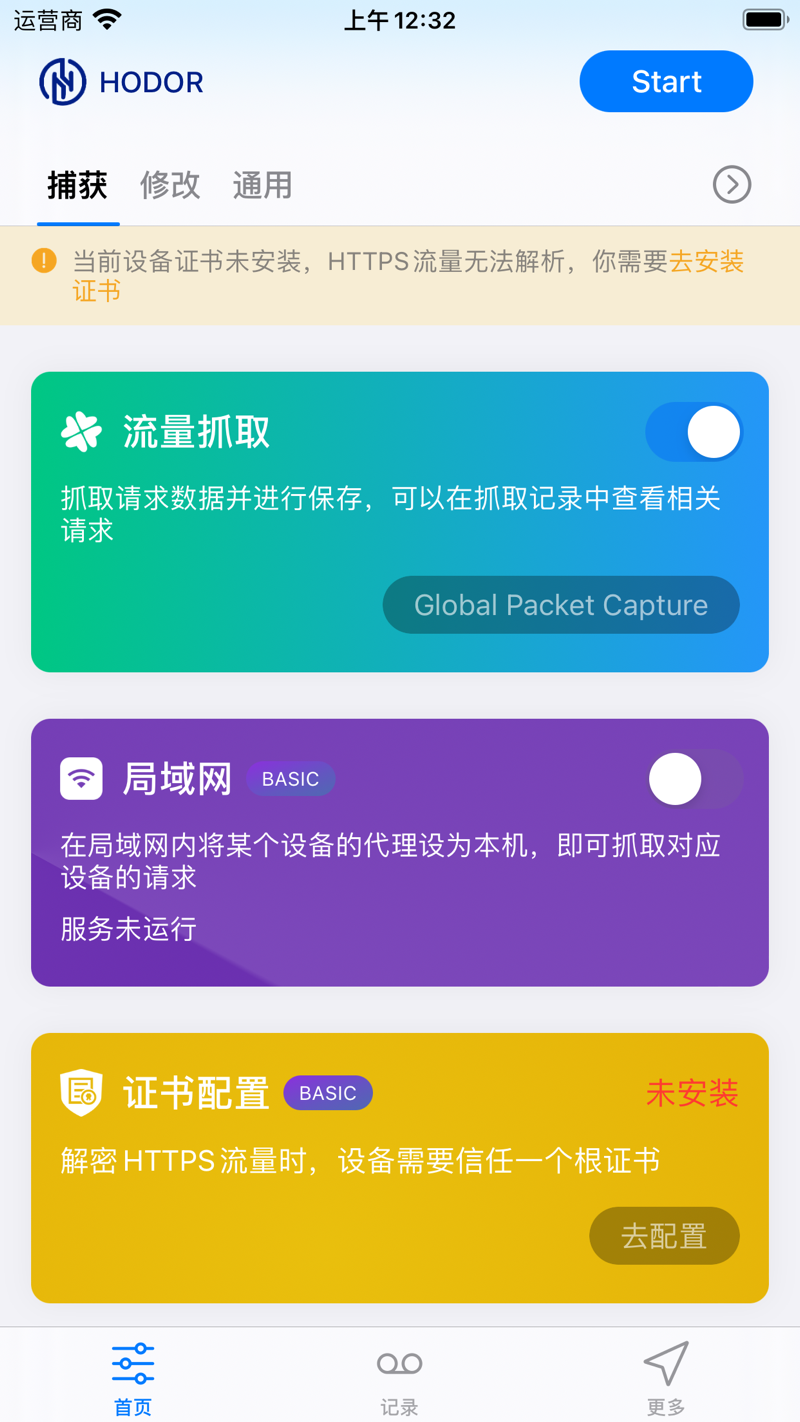
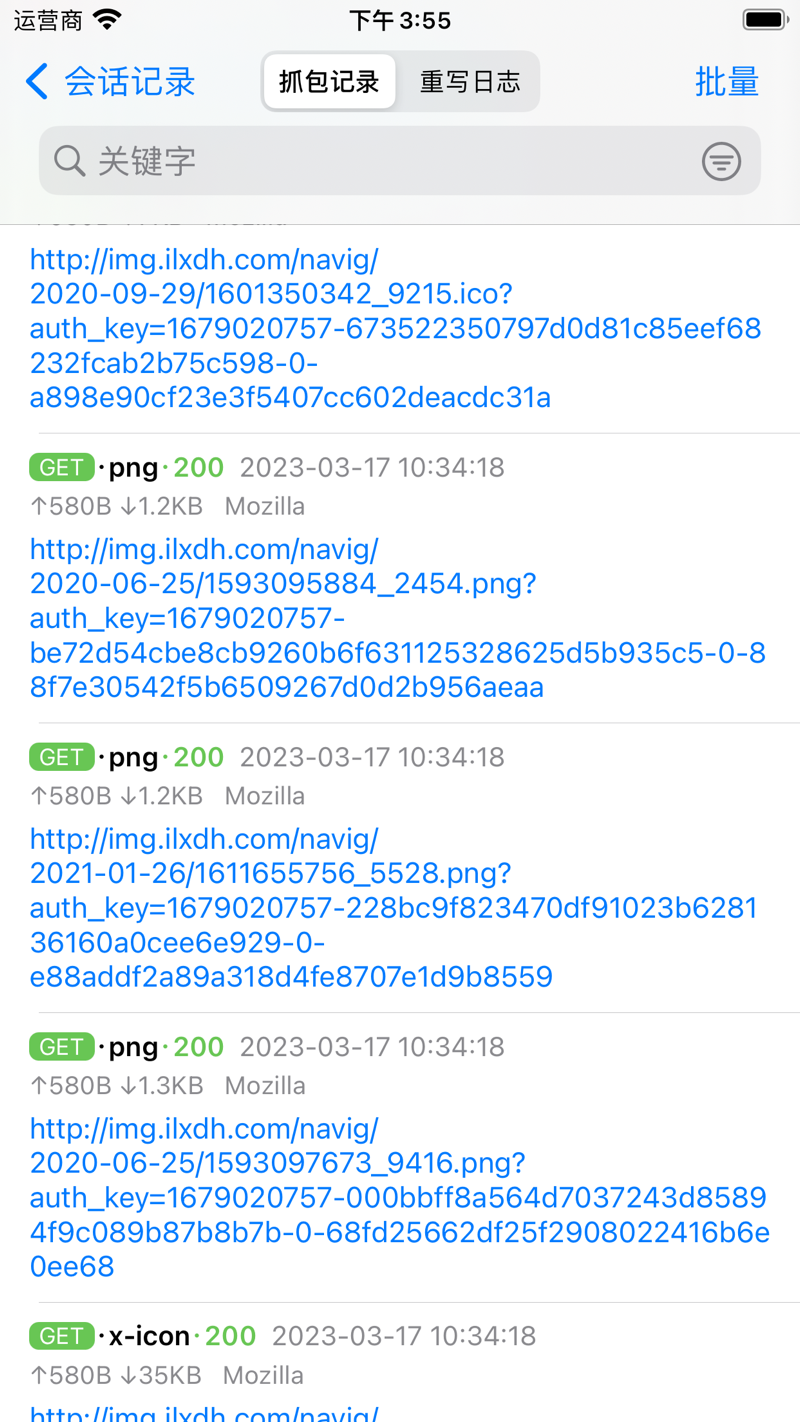
Capture HTTP(S), WebSocket, TCP and UDP traffic on your device — with domain filters to focus only on the requests you care about.
Flutter traffic, captured
Most proxy-based tools fail on Flutter apps. Hodor captures and rewrites Flutter traffic out of the box.
HTTPS in plain text
Install the root certificate once and every HTTPS request and response appears in plain text — no changes to your apps.
LAN capture
Point other phones or computers at Hodor as their proxy on the same Wi-Fi, and their traffic shows up in your session list too.
Raw bytes, made readable
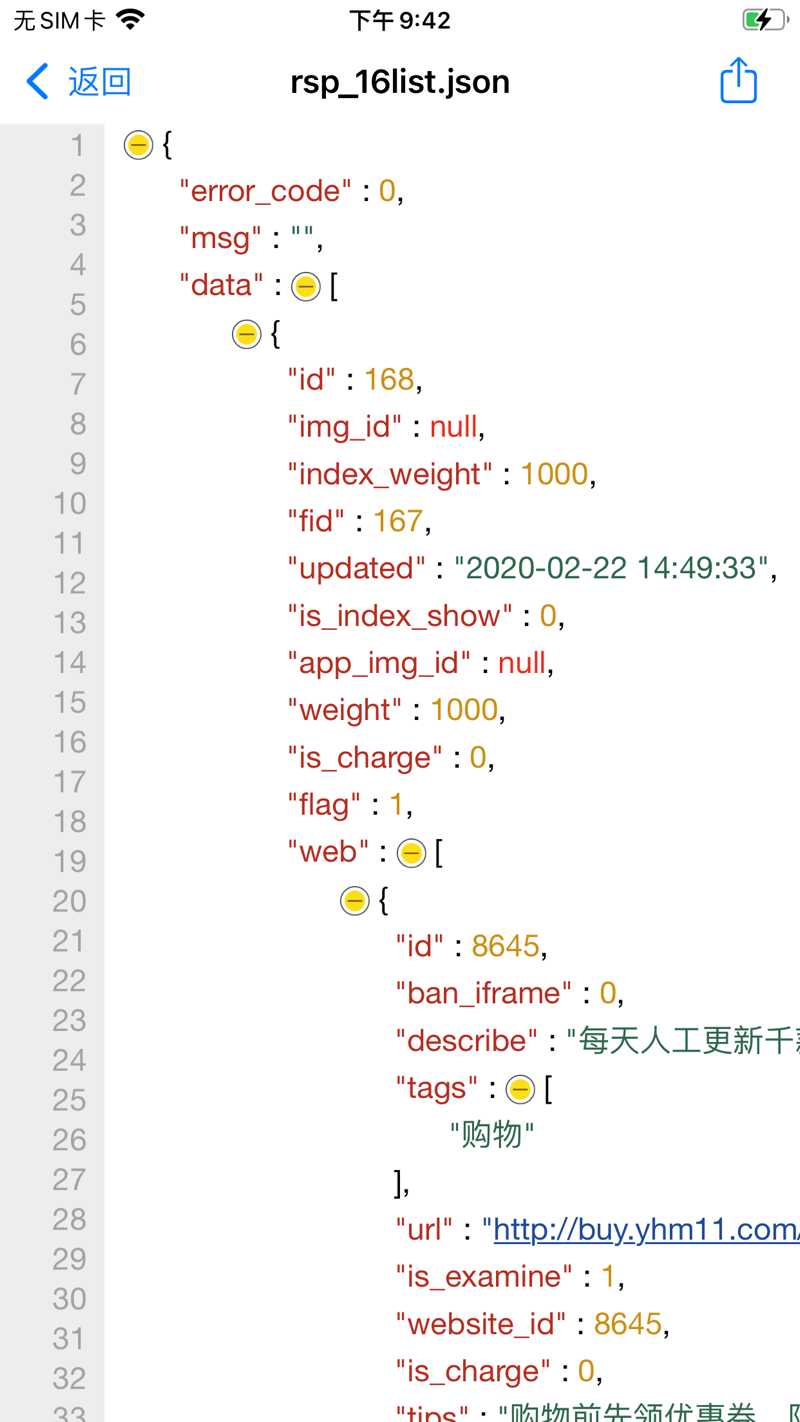
Protobuf, Form-Data, JSON, HTML, JavaScript and CSS are decoded, pretty-printed and highlighted — even binary bodies become readable.
Change anything in flight
Redirect requests to another server, edit paths, headers and bodies, fake a response or replay an old one — no app changes needed, on HTTP(S), WebSocket, TCP and UDP.
Edit requests & responses
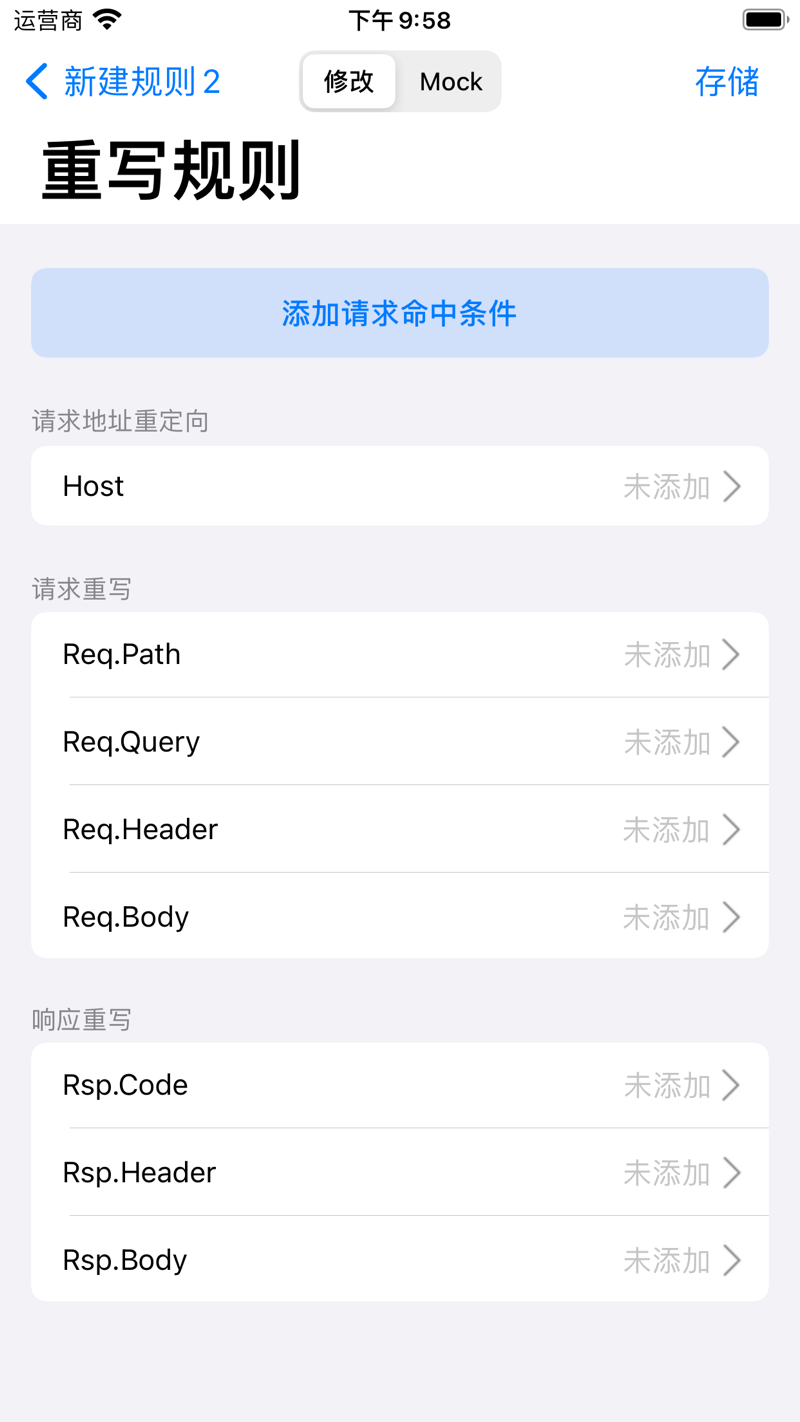
Change the path, query, headers or body before a request reaches the server — and edit responses before the app sees them.
Mock & replay
Replay any captured request on demand, or return a fake response — test your app before the backend even exists.
Proxy forwarding
Forward captured traffic — Flutter included — to tools like mitmproxy or Charles on your LAN, and slot Hodor into your existing workflow.
Test APIs. Script anything. Let AI drive.
Fire test requests right on your device, automate the flow with JavaScript, and let AI tools like Claude inspect traffic and send requests for you.
Quick Request — debug APIs on device
Send and debug API requests like in Postman: HTTP, WebSocket, TCP, UDP, gRPC and MQTT, with environments, variables, pre/post scripts and assertions.
JavaScript scripting
Drop your own JavaScript into requests, responses or scheduled jobs — sign requests, decrypt responses, export data. Crypto, hashing and storage are built in.
MCP — let AI drive
MCP is the standard way for AI tools to plug into apps. Connect Claude to Hodor and it can read captured traffic, send requests and run debugging steps for you.
Your phone, on your desk
Pair your iPhone with the macOS app and work on a big screen: view and edit captured data, manage rules, start or stop capture — or automate it via the hodor:// URL scheme.
macOS companion
A full desktop workspace: view and edit captured data from your phone, manage rules and control the capture on a big screen.
URL scheme
Start or stop capture from Shortcuts, scripts or your own automation via the hodor:// URL scheme.
What Hodor can decrypt on Android
Hodor captures at the IP layer through a VPN, so it sees Flutter and proxy-bypassing apps. Decrypting HTTPS still depends on the target app and where the certificate lives — user cert needs no root, system cert needs a rooted device or emulator.
| Target app | User cert (no root) | System cert (root / emulator) |
|---|---|---|
| Plain HTTPNo TLS | Always visible | Always visible |
| Native app trusting user certsNSC, or targetSdk < 24 | Decrypted | Decrypted |
| Normal third-party release appNo trust declaration | Rejected → forwarded | Decrypted |
| Flutter / dart:io appsReads the system store only | Ignores user store | Decrypted |
| Certificate-pinned appsSPKI / cert pinning | Not possible | Not possible |
A debug build does not trust user certs automatically — trust is driven by NSC / targetSdk, not debuggable. Once Hodor’s cert is in the system store, Flutter (dart:io) decrypts just like native apps; only certificate pinning stays out of reach.
Capture, rewrite and script traffic directly on your phone or tablet — no computer required.
Requires Android 10 (API 29) or later — 64-bit devices only.
One-click tool that injects Hodor’s CA into an emulator or rooted device’s system store, so every app — Flutter included — is fully decrypted.
Requires macOS 12 or later — Intel & Apple Silicon.
Make every Android app decryptable in one click
HodorTrust is a small desktop utility that places Hodor’s CA into an Android emulator or rooted device’s system trust store — the one step that unlocks full HTTPS decryption for every app, Flutter included. No terminal, no manual “convert and install” commands.
Before you start
- macOS 12+ on Apple Silicon or Intel.
- One-click mode needs an Android SDK with cmdline-tools; adb is bundled inside the app.
- Developer ID signed and notarized — it opens without Gatekeeper warnings.
From a clean machine to a decryptable emulator without leaving the app — eight stages, each with its own progress and retry.
- 1Check environment
- 2Download system image
- 3Create AVD
- 4Boot emulator
- 5Gain root
- 6Install Hodor
- 7Extract CA
- 8Inject into system store
Already have a rooted phone or emulator? Connect it and inject in seconds — and remove the cert just as easily.
- 1Scan connected devices
- 2Pick the target device
- 3Inject or remove the CA
A full API debugger, built right in
No more juggling desktop REST clients. Group requests by project, switch environments with one tap, and let scripts handle auth, signing and encryption automatically.
- Groups, environments & base URLs for six protocols
- Variables at three levels: environment, runtime and per-send
- Extraction & assertions without writing code
- One tap to convert any captured session into a request
// 前置脚本:登录态自动注入 + 全接口加签
async function onRequest(context, url, request) {
  const token = sdk.env.get("authToken");
  const secret = sdk.env.get("appSecret");
  const ts = String(Date.now());

  if (token) {
    request.headers.set("Authorization", "Bearer " + token);
  }
  request.queries.set("ts", ts);
  request.queries.set("sign", $hash.md5(secret + ts));

  return request;
}
JavaScript where it matters
Hook your own JavaScript in three places: before requests, after responses, or on a schedule — tweak parameters, sign, decrypt, or forward data to your own server. Crypto, hashing and storage are built in, no dependencies to install.
- Rewrite requests & responses on the fly
- After each request finishes, forward the data to your own server
- Schedule tasks with 5/6-part cron expressions
// 重写脚本:响应落屏前自动解密
async function onResponse(context, url, response) {
  const body = response.body.parseJSON();

  if (body && body.data) {
    const plain = $crypto.decryptAES(body.data, key, iv);
    body.data = JSON.parse(plain);
    response.body = body;
  }
  return response;
}
A closer look inside Hodor
Real screens from the App Store — capture, inspect, rewrite and preview, right on your iPhone.
Three platforms. One workflow.
Capture on the go with iOS or Android, then switch to the Mac for a big-screen debugging workspace — your data and rules stay in sync.
Capture traffic right on your phone — no computer needed: record HTTP(s), WebSocket, TCP and UDP on cellular or Wi-Fi, and rewrite it anytime.
The desktop companion: view and edit captured data, manage rewrite rules and control the capture on your phone — comfortably, from your Mac.
Native Android capture over a VPN tunnel — record and rewrite HTTP(s), WebSocket, TCP and UDP, even for Flutter apps that skip the system proxy. Pair with HodorTrust to fully decrypt HTTPS on an emulator or rooted device.
Ready to see what’s on your wire?
Join developers who debug faster with Hodor — capture the traffic other tools can’t see, and change it with rules and scripts.