除錯網路,所需的一切
四大功能板塊圍繞同一個理念:看見每一個封包——包括 Flutter 應用的——再用規則、腳本與請求改變它。
看見別人看不見的流量
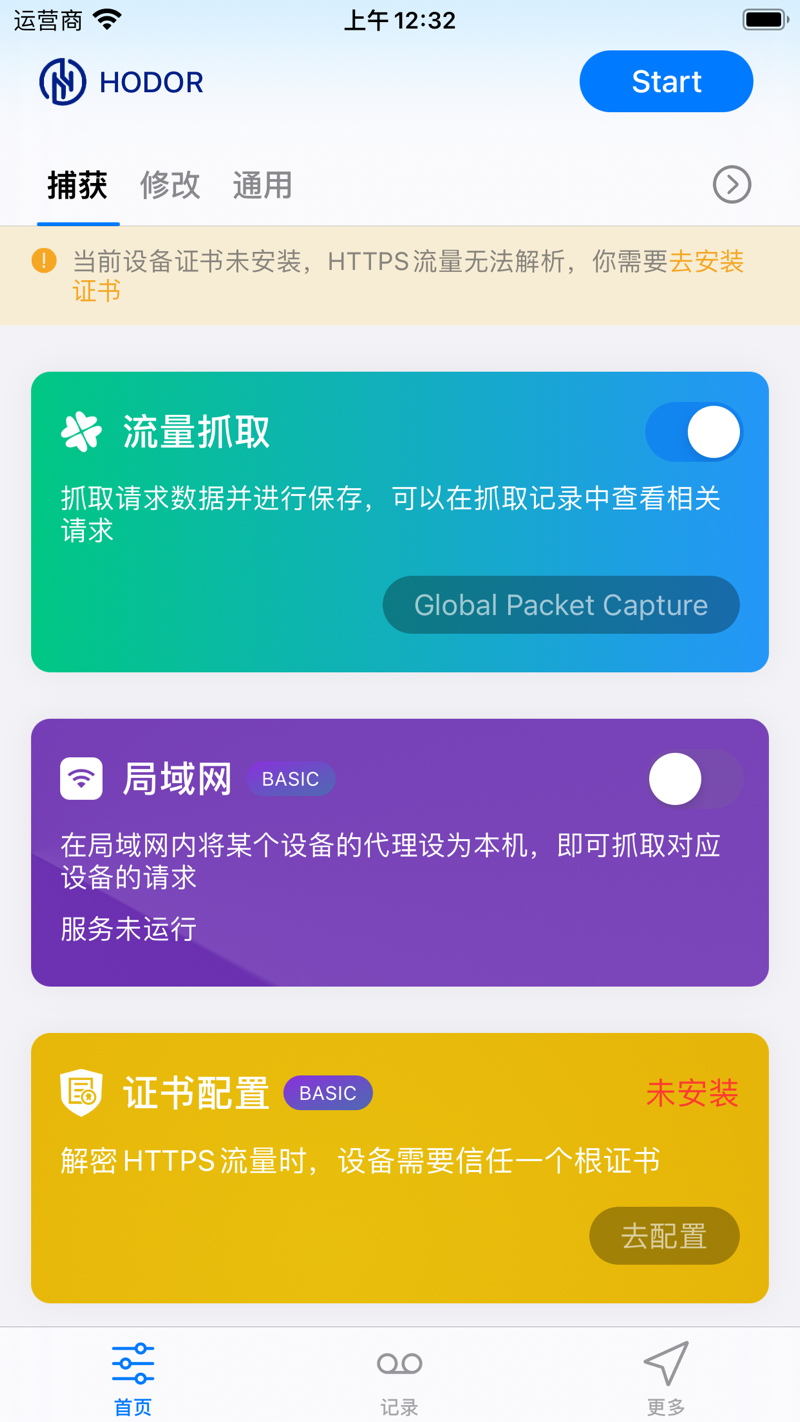
Hodor 直接在網路層擷取封包,不依賴系統代理——Flutter 等繞過代理設定的 App,流量照樣看得一清二楚。
四大協定,全部可擷取
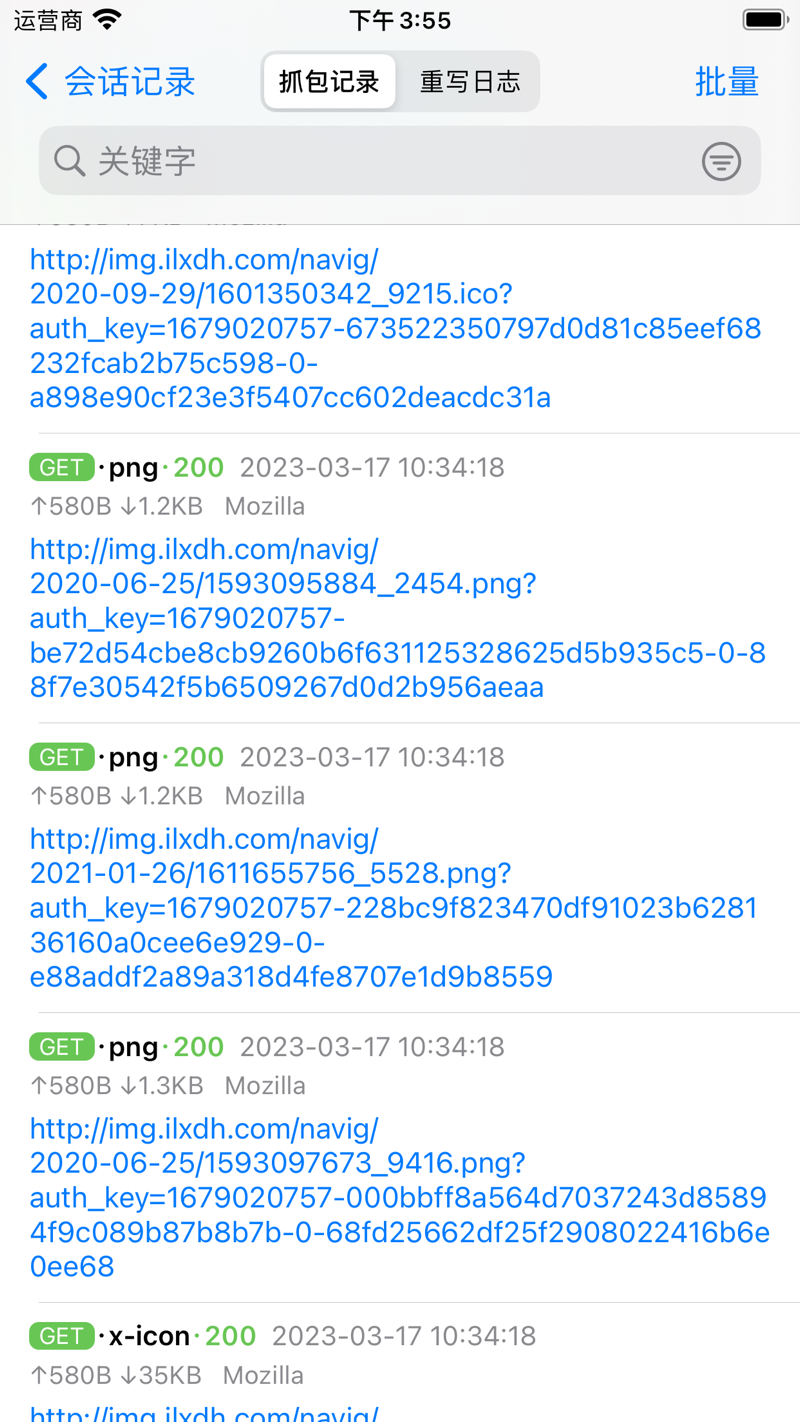
手機上的 HTTP(S)、WebSocket、TCP、UDP 流量都能擷取下來看;支援按網域過濾,只看關心的請求。
Flutter 流量,照樣擷取
大多數代理類工具對 Flutter 應用無能為力——Hodor 開箱即可擷取並重寫 Flutter 流量。
HTTPS 明文可見
安裝一次根憑證,HTTPS 請求與回應就變成明文,內容一目瞭然——不用改動任何 App。
區域網路擷取
同一 Wi-Fi 下,把其他手機、電腦的代理指向 Hodor,它們的網路請求也能擷取下來看。
亂碼秒變可讀
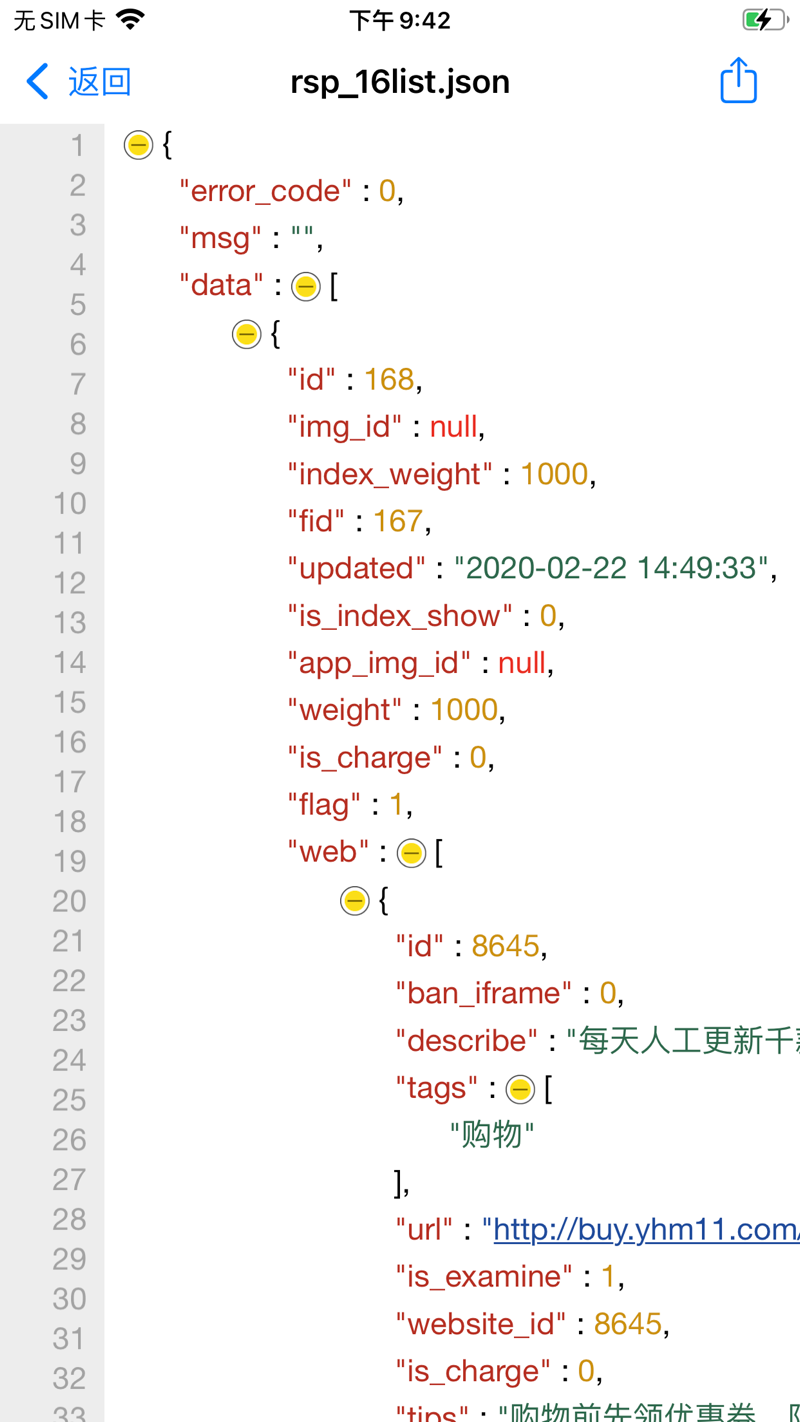
Protobuf、Form-Data、JSON、HTML、JavaScript、CSS 等自動解碼、格式化、高亮顯示——二進位內容也能直接看懂。
流量在途,隨手可改
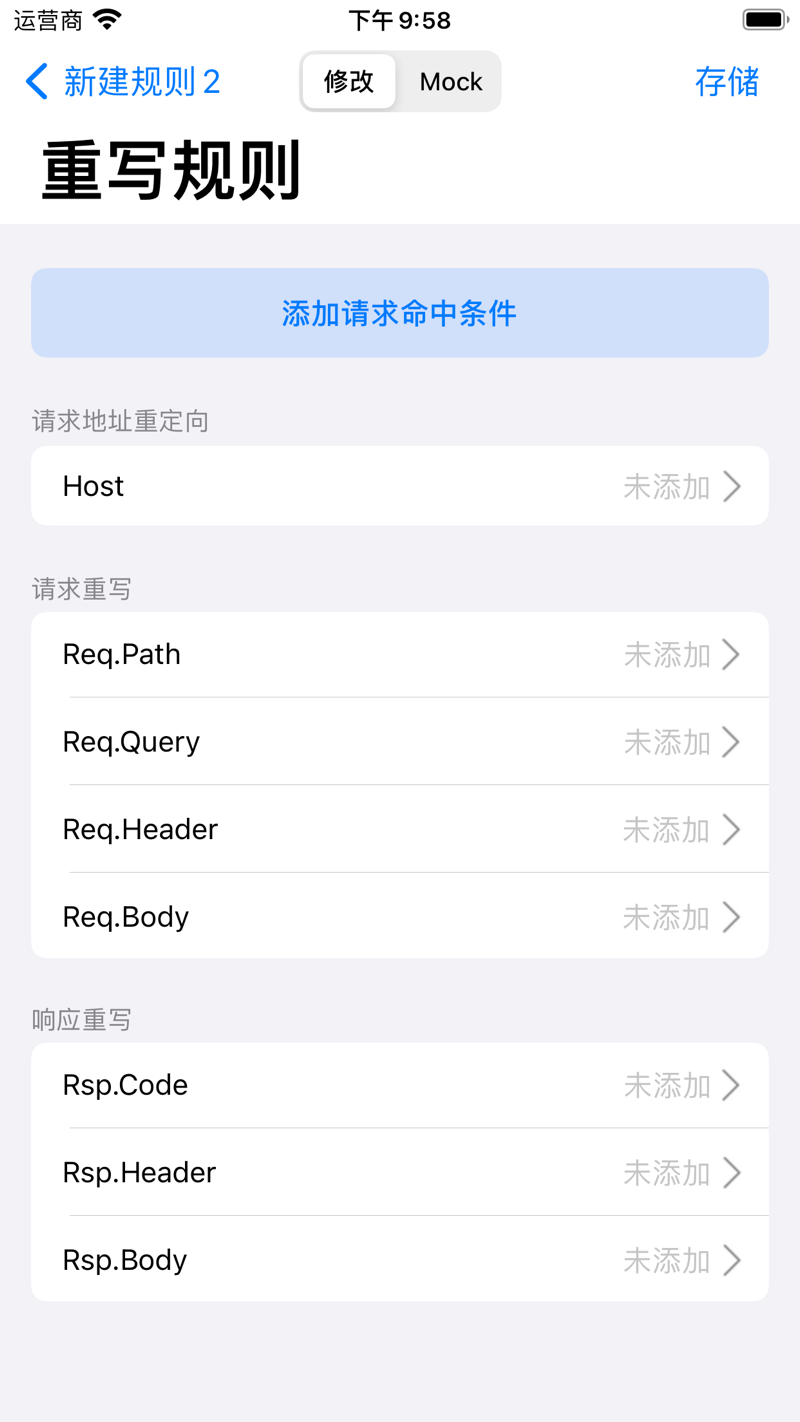
把請求改發到別的伺服器、修改 Path/Header/Body、Mock 一個假回應或重放舊請求——不用改 App 程式碼,覆蓋 HTTP(S)、WebSocket、TCP、UDP。
請求回應隨手改
請求到達伺服器前修改 Path/Query/Header/Body,回應返回 App 前也能改——無需重新打包。
Mock 與重放
隨時重放擷取到的請求,或直接偽造伺服器回應——後端介面還沒寫好,也能提前調 App。
代理轉發
擷取到的流量(含 Flutter)可轉發給區域網路內的 mitmproxy、Charles 等工具,融入你現有的分析流程。
調介面、寫腳本、讓 AI 做事
在裝置上直接發送測試請求,用 JavaScript 自動化流程,還能讓 Claude 等 AI 工具替你看流量、發請求。
快速請求:手機上直接調介面
像 Postman 一樣發送並除錯 API 請求:HTTP、WebSocket、TCP、UDP、gRPC、MQTT 六種協定,支援環境變數、前置/後置腳本與斷言。
JavaScript 腳本
在請求前後或排程任務裡插入自己的 JS 邏輯:自動加簽、解密回應、匯出資料——加密、雜湊、儲存能力全部內建。
MCP:讓 AI 接管
MCP 是 AI 工具接入應用的通用協定。把 Claude 連上 Hodor,它就能直接查看擷取資料、發送請求、執行除錯動作。
把手機裝進電腦
iPhone 與 macOS 版配對,在大螢幕上查看與編輯擷取資料、管理規則、啟停擷取;再配合 hodor:// URL Scheme,捷徑也能一鍵啟停。
macOS 桌面端
完整的桌面工作台:大螢幕查看與編輯手機上的擷取資料、管理規則、控制擷取。
URL Scheme
透過 hodor:// URL Scheme 從捷徑、腳本或自建自動化啟停擷取。
What Hodor can decrypt on Android
Hodor captures at the IP layer through a VPN, so it sees Flutter and proxy-bypassing apps. Decrypting HTTPS still depends on the target app and where the certificate lives — user cert needs no root, system cert needs a rooted device or emulator.
| Target app | User cert (no root) | System cert (root / emulator) |
|---|---|---|
| Plain HTTPNo TLS | Always visible | Always visible |
| Native app trusting user certsNSC, or targetSdk < 24 | Decrypted | Decrypted |
| Normal third-party release appNo trust declaration | Rejected → forwarded | Decrypted |
| Flutter / dart:io appsReads the system store only | Ignores user store | Decrypted |
| Certificate-pinned appsSPKI / cert pinning | Not possible | Not possible |
A debug build does not trust user certs automatically — trust is driven by NSC / targetSdk, not debuggable. Once Hodor’s cert is in the system store, Flutter (dart:io) decrypts just like native apps; only certificate pinning stays out of reach.
Capture, rewrite and script traffic directly on your phone or tablet — no computer required.
Requires Android 10 (API 29) or later — 64-bit devices only.
One-click tool that injects Hodor’s CA into an emulator or rooted device’s system store, so every app — Flutter included — is fully decrypted.
Requires macOS 12 or later — Intel & Apple Silicon.
Make every Android app decryptable in one click
HodorTrust is a small desktop utility that places Hodor’s CA into an Android emulator or rooted device’s system trust store — the one step that unlocks full HTTPS decryption for every app, Flutter included. No terminal, no manual “convert and install” commands.
Before you start
- macOS 12+ on Apple Silicon or Intel.
- One-click mode needs an Android SDK with cmdline-tools; adb is bundled inside the app.
- Developer ID signed and notarized — it opens without Gatekeeper warnings.
From a clean machine to a decryptable emulator without leaving the app — eight stages, each with its own progress and retry.
- 1Check environment
- 2Download system image
- 3Create AVD
- 4Boot emulator
- 5Gain root
- 6Install Hodor
- 7Extract CA
- 8Inject into system store
Already have a rooted phone or emulator? Connect it and inject in seconds — and remove the cert just as easily.
- 1Scan connected devices
- 2Pick the target device
- 3Inject or remove the CA
內建完整的 API 除錯台
不用再在桌面 REST 用戶端之間來回切換。按專案分組請求、一鍵切換環境,讓腳本自動處理驗證、加簽與加密。
- 六種協定的分組、環境與前置 URL
- 三層變數:環境、執行時與逐次發送
- 無需寫程式的提取與斷言
- 一鍵把擷取工作階段轉成請求
// 前置脚本:登录态自动注入 + 全接口加签
async function onRequest(context, url, request) {
  const token = sdk.env.get("authToken");
  const secret = sdk.env.get("appSecret");
  const ts = String(Date.now());

  if (token) {
    request.headers.set("Authorization", "Bearer " + token);
  }
  request.queries.set("ts", ts);
  request.queries.set("sign", $hash.md5(secret + ts));

  return request;
}
JavaScript 用在關鍵處
請求前、回應後、排程任務三處都能插入自己的 JS 邏輯:改寫參數、自動加簽、解密回應、把資料匯到你自己的伺服器。加密、雜湊與儲存全部內建,無需安裝任何依賴。
- 即時重寫請求與回應
- 每次請求結束後,把資料轉發到你自己的伺服器
- 用 5/6 段 Cron 運算式排程任務
// 重写脚本:响应落屏前自动解密
async function onResponse(context, url, response) {
  const body = response.body.parseJSON();

  if (body && body.data) {
    const plain = $crypto.decryptAES(body.data, key, iv);
    body.data = JSON.parse(plain);
    response.body = body;
  }
  return response;
}
走進 Hodor 的真實介面
來自 App Store 的真實介面——在你的 iPhone 上擷取、檢視、改寫與預覽。
兩個平台,一套工作流。
用 iOS 隨時隨地擷取,再切換到 Mac 獲得大螢幕除錯工作台——資料與規則保持同步。
Native Android capture over a VPN tunnel — record and rewrite HTTP(s), WebSocket, TCP and UDP, even for Flutter apps that skip the system proxy. Pair with HodorTrust to fully decrypt HTTPS on an emulator or rooted device.